Find and Manage Your Marqo API Keys
1. Log In to Marqo Cloud
You must first navigate to Marqo Cloud and Sign In to your existing Marqo Cloud account.
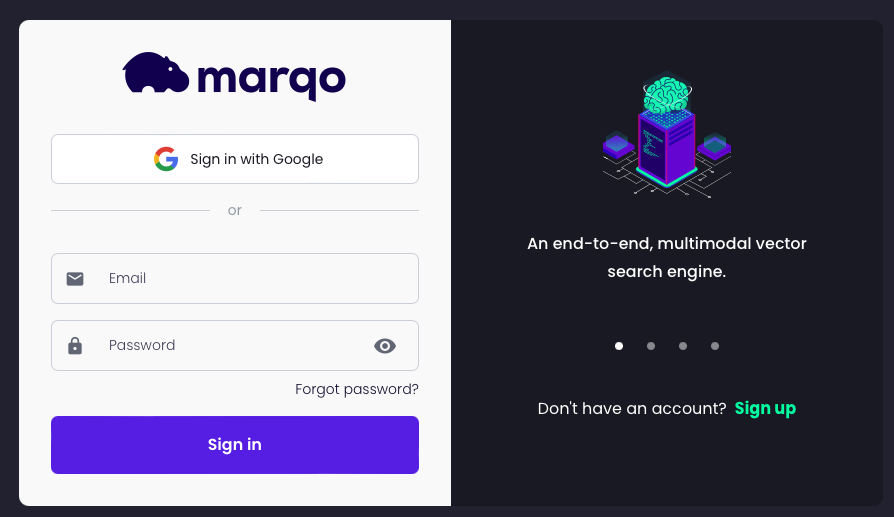
When doing so, you will be greeted with our Marqo Cloud UI:
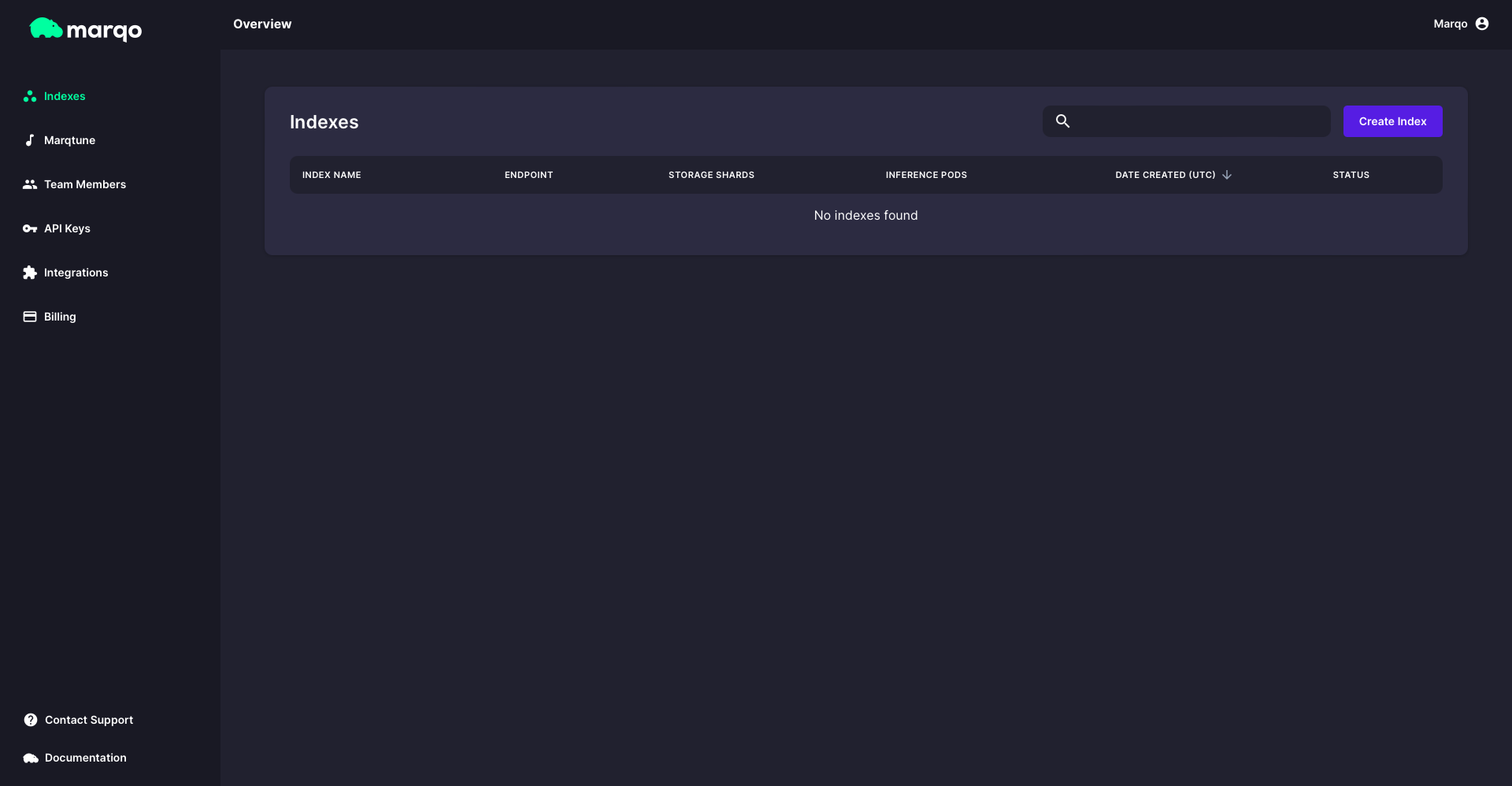
2. Navigate to API Keys
You can find the 'API Keys' header on the lefthand side navigation bar. When navigating to the ‘API Keys’ header for the first time, your Marqo Cloud will look like this:
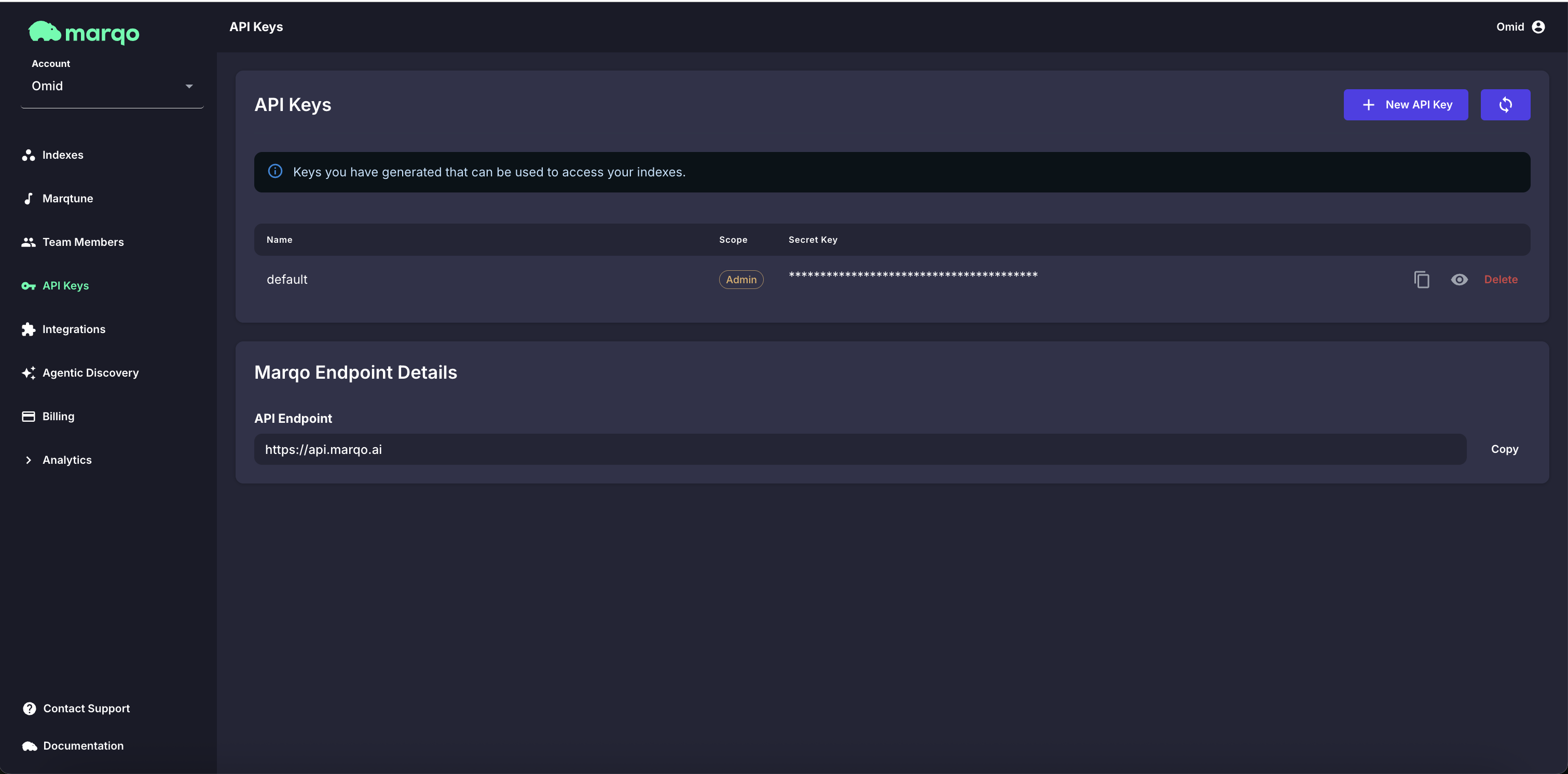
Notice, you have a default API key with 'admin' scope.
You are welcome to use this API key going forward. Simply press the ‘copy’ icon to the righthand side to copy your API key. You can also press the ‘eye’ icon to view your API key. There is the option to delete the API key too but please take care when doing this.
3. Understanding API Key Scopes
Marqo now supports scoped API keys, so you can control exactly what each key can do.
| Scope | Description | Example Use Case |
|---|---|---|
| 🛠️ Admin | Full control - create, modify, and delete indexes. | Managing infrastructure, automation scripts |
| ✏️ Read + Write | Add, update, or delete documents. Cannot create or delete indexes. | Indexing or updating data |
| 🔍 Read | Read-only access - can search, fetch, and view documents. | Searching or fetching data |
Note: Scoped API keys are being rolled out gradually. Choose the narrowest scope that fits each key now so it keeps working as enforcement expands. If you don't yet see the scope options (Admin, Read + Write, Read) in your Marqo Cloud account, please contact support and we’ll enable them for you.
Where scopes are enforced today
Enforcement is being rolled out endpoint by endpoint rather than all at once. It currently applies to the agentic discovery endpoints and to a small number of management endpoints:
| Endpoints | Minimum scope | Message on 403 |
|---|---|---|
| Agentic discovery, read operations | Read | Insufficient API key scope |
| Agentic discovery, write operations | Read + Write | Insufficient API key scope |
| Get agentic catalog context | Read | This operation requires a read-scoped API key. |
| Update agentic catalog context | Read + Write | This operation requires a read_write-scoped API key. |
| Help center reindex | Admin | This operation requires an admin-scoped API key. |
Some agentic discovery endpoints check the scope only when the index is configured to require an API key. Every endpoint outside this table accepts any scope today, so a Read key can still call a management endpoint.
Keys created before scopes existed carry no scope at all. Those keys are treated as Admin and satisfy every check.
If you decide you want to create a new API key, you can do as follows.
4. (Optional) Create your own API Key with Desired Scope
Click on the ‘+ New API Key’ icon in the top right corner of the ‘API Keys’ section.
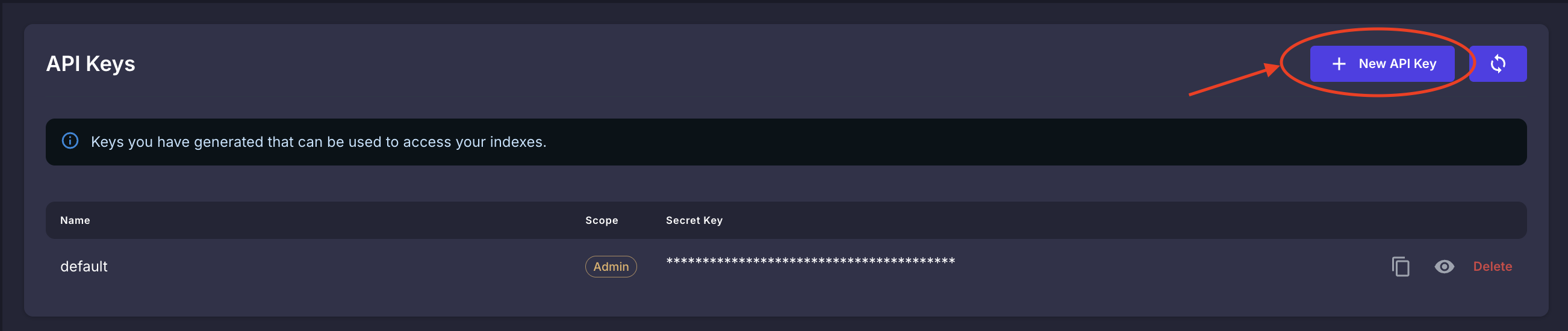
After pressing this, you will be prompted to put in your desired API Key name and scope.

Once you are happy with your API key name and scope, click ‘Create API Key’. This will generate a new key for you that will be visible in the ‘API Keys’ header.
Where do I put my API Key?
Management endpoints of the Marqo Ecommerce API (creating indexes, adding products, updating settings) take your API key in the Authorization header as a Bearer token. Below are examples of using your API key to create an index, in both cURL and JavaScript:
- cURL
- JavaScript
curl -X POST https://ecom.marqo-ep.ai/api/v1/indexes \
-H "Authorization: Bearer {api_key}" \
-H "Content-Type: application/json" \
-d '{
  "indexName": "my-first-index",
  "modelType": "ecommerce"
}'
fetch("https://ecom.marqo-ep.ai/api/v1/indexes", {
  method: "POST",
  headers: {
    Authorization: "Bearer {api_key}",
    "Content-Type": "application/json",
  },
  body: JSON.stringify({
    indexName: "my-first-index",
    modelType: "ecommerce",
  }),
});
Replace {api_key} with the key you copied from the console.
Shopper-facing endpoints such as search and recommendations are usually called from your storefront with the x-marqo-index-id header instead of an API key, so the key never has to be exposed in a browser. They also accept Authorization: Bearer {api_key} for server-side calls. Each endpoint's page states which credential it accepts.